BLENDER ADD-ON / VERSION 1.0.0
Make your
music visible.
Your track. A world of light.
Turn audio into editable Blender visuals, from deep neon tunnels to your own lighting installation.
Six presets · EEVEE & Cycles · Windows / Blender 5.2.2 LTS
THE COLLECTION
Six worlds.
Pick your frequency.
Start with a scene that already has a point of view. Then change the colors, light, timing and atmosphere to make it yours.
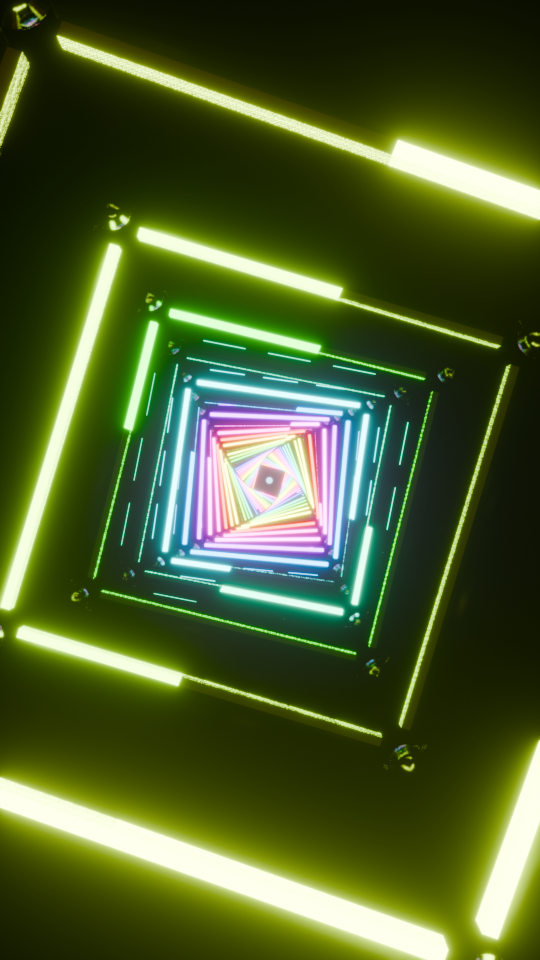
01 / Infinite Light GridLight that goes on forever.
A deep square corridor. Independent pipe ignition, spectrum color and a continuously rolling camera.
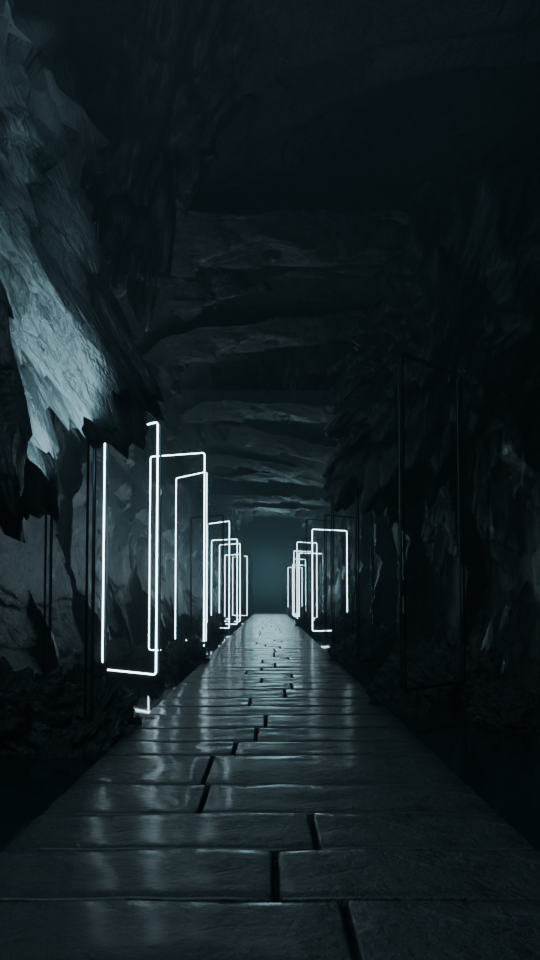 02 / Cavern of Light
Find rhythm in the dark.
Wet stone, towering rock and rectangular rings that switch independently on the beat.
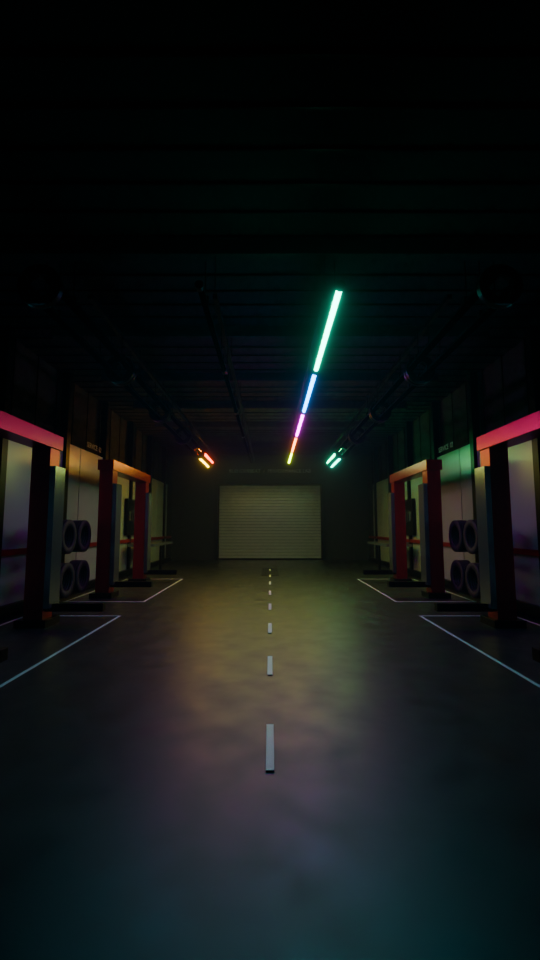 03 / Pulse Rig
Your own lighting installation.
50 tube fixtures. Pixel chases, layered choreography and rainbow color in a garage or warehouse.
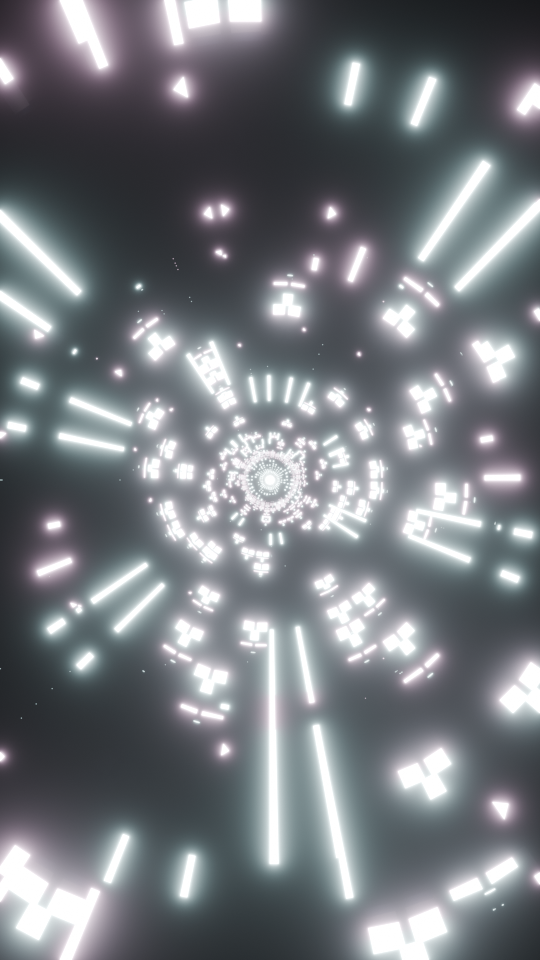 04 / Pulse Tunnel
Follow the wave.
Radial LED segments, traveling light waves and a steady forward camera.
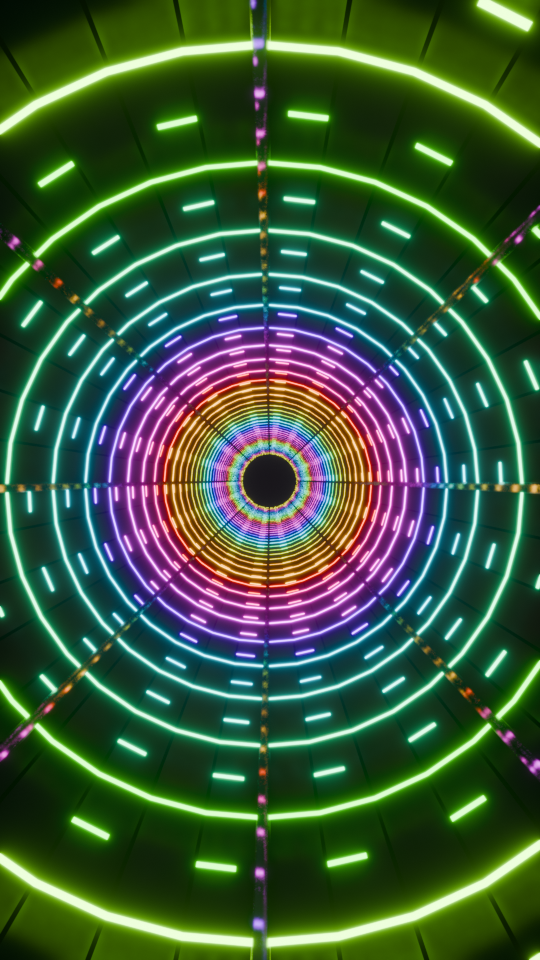 05 / Infinite Black Hole Tunnel
All roads lead inward.
A dark sci-fi tunnel with beat-driven highlights converging on the horizon.
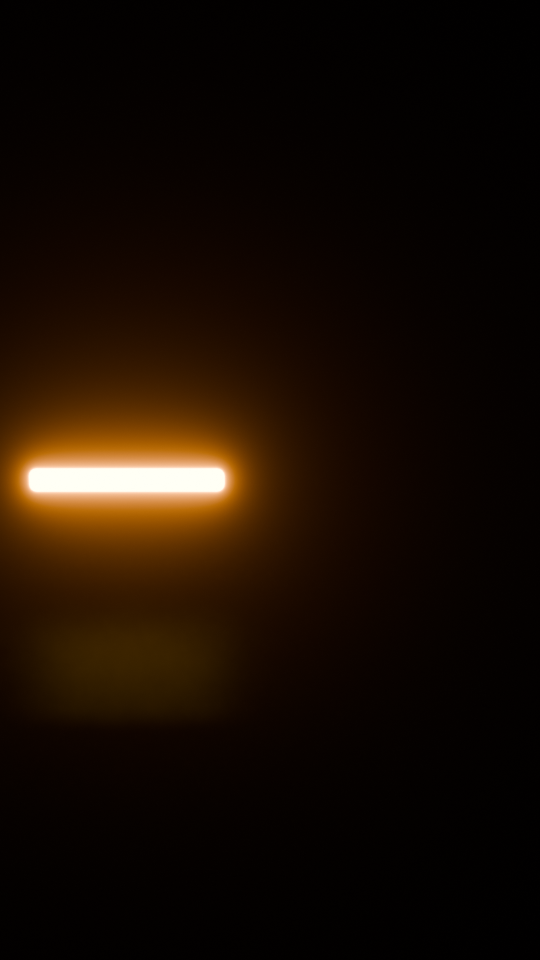 06 / Alternating Headlights
Give your lights a pulse.
Amber swaps and white flashes on two objects you choose. Reference choreography or musical response.
PRESS PLAY
Still images
only tell half.
See all six presets respond and move. Actual EEVEE footage, rendered from the included example scenes.
18 seconds · 30 FPS · 360 × 640 preview
Cycles was used for the Pulse Rig and Cavern stills. Other stills and this motion preview use EEVEE.
LESS SETUP. MORE MAKING.
From track to scene.
Bring your audio
Import a track and analyze its beats, energy and frequency activity.
Build your world
Choose a preset, customize the look and generate editable scene data.
Make the final cut
Render a PNG sequence. Add your audio and export in your video editor.
BLENDERBEAT 1.0.0
One download.
Six starting points.
Build your next music visual with a collection designed to get you creating.
- All six presets + editable Python source
- Six example .blend scenes
- Original 120 BPM demo track
- Installation guide + preset walkthroughs
- EEVEE and Cycles workflows
- Support: harshitfx.com@gmail.com
Your next visual starts here.
Save ₹1,501 · One-time purchase
Continue to checkoutCheck availability and pay securely on the next page. A checkout marked Test Mode makes no real charge.
Card and UPI details are handled by Razorpay.Read the Terms, Refund Policy, Delivery Policy and Privacy Policy.Check your last paymentWhich Blender version do I need?+
BlenderBeat 1.0.0 is verified on Windows with Blender 5.2.2 LTS. Other Blender versions and operating systems have not been verified.
Do I need extra software?+
The audio analysis and scene generation happen in Blender. NumPy analysis works offline with Blender’s bundled Python. To make a finished video, assemble the rendered PNG frames with audio in Blender’s Video Sequencer or your preferred editor.
Is this real-time audio or MIDI?+
BlenderBeat analyzes an audio file and bakes animation. Live audio capture and MIDI input are not included. Viewport playback speed depends on your hardware and scene settings.
Can I edit the scenes?+
Yes. You get editable Blender scene data, source code and six example .blend files. Most preset settings apply when you generate again. Save a copy before regenerating if you have made manual scene edits.
Is a car or commercial music included?+
No vehicle model or commercial music is bundled. The package includes an original synthetic 120 BPM demo track. The headlights example uses generic light panels; you can select lights from your own model.
How do I get my download?+
Checkout availability is shown in the purchase panel. After a verified live payment, download the package in the same browser within 30 days. Save your package and payment references. Test Mode provides a sample ZIP only. Contact harshitfx.com@gmail.com for payment or delivery problems.
What license comes with it?+
The add-on source is GPLv3, including modification and redistribution rights. Bundled Poly Haven assets and the newly generated demonstration content are CC0 where applicable. Full notices are in the download.